Quick Billing Software
Grow your Business with Fast & Easy Invoicing Software
Quickly generate customer bills and speed up checkout with ease. Simplify your business with our quick billing software. Create simple, instant invoices anytime, anywhere.
Advanced Features Designed for Instant and Accurate Billing
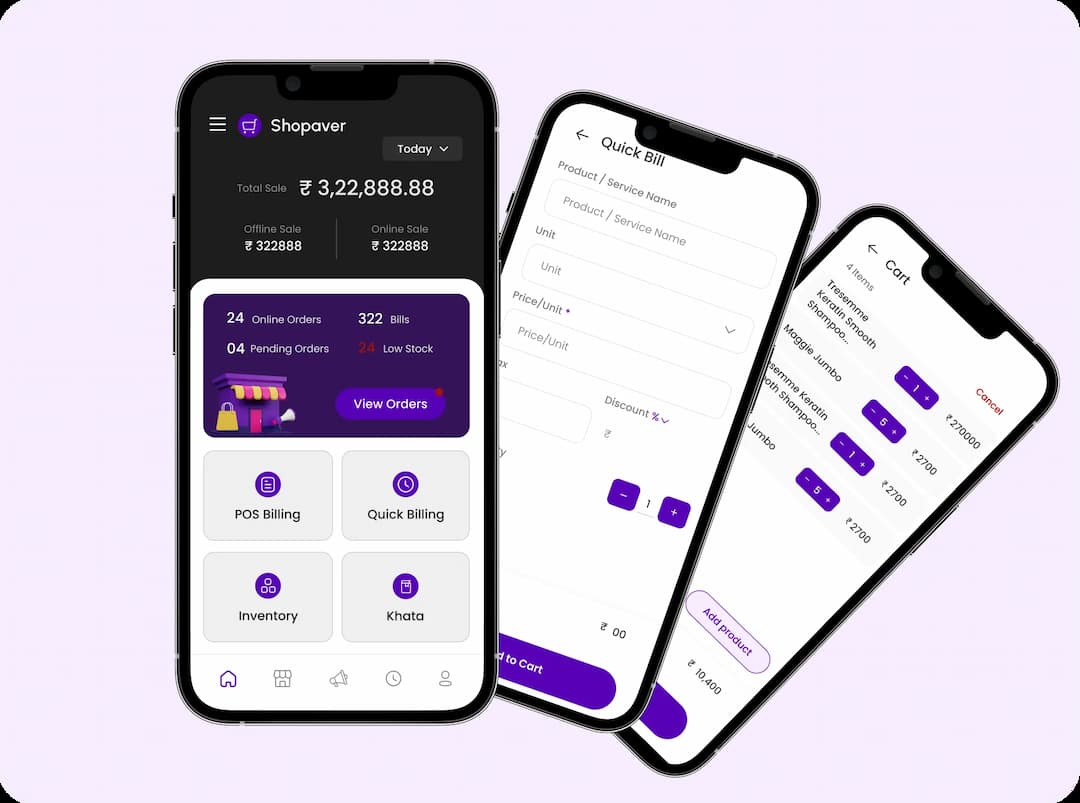
Quickly Create Bills
Simply add products to the cart, fill in the required details, and generate bills instantly in just a few clicks. Minimize queues and reduce wait times for customers. Instantly create, print, or share invoices with ease.
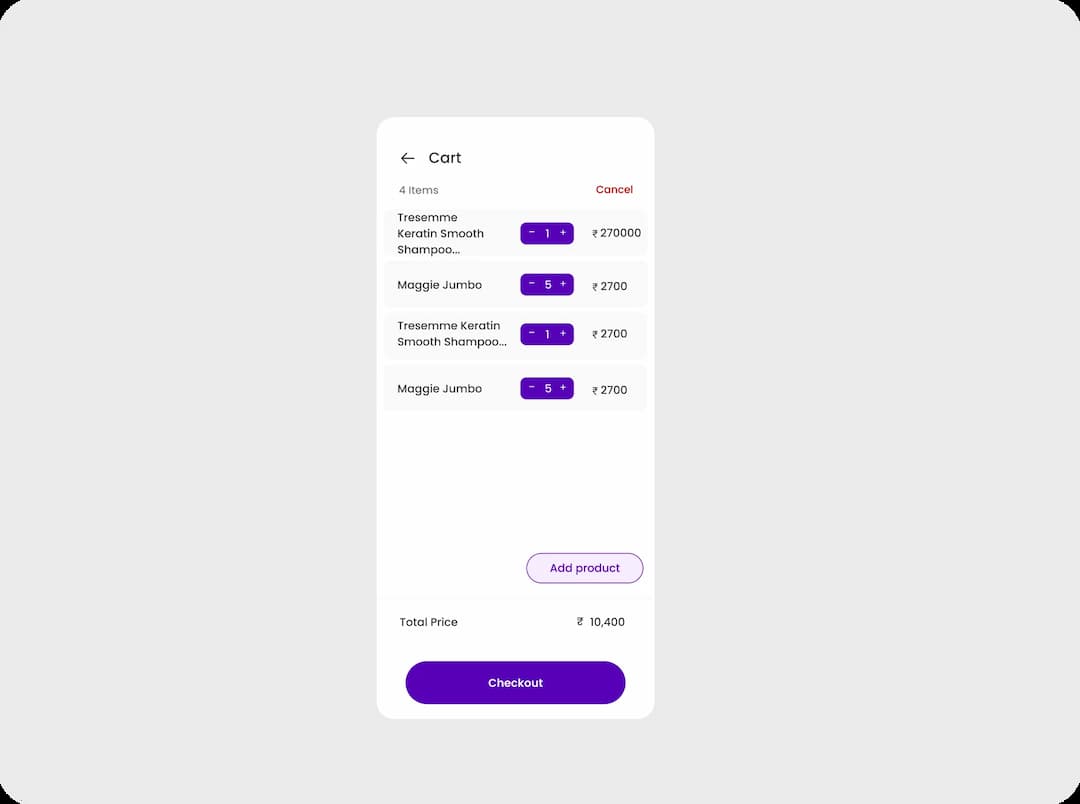
User friendly Interface
Our quick billing offers a user-friendly interface and simple layout, making it easy for anyone to use. Whether you’re running a retail shop, a small business, or managing an online store, it fits all your needs.
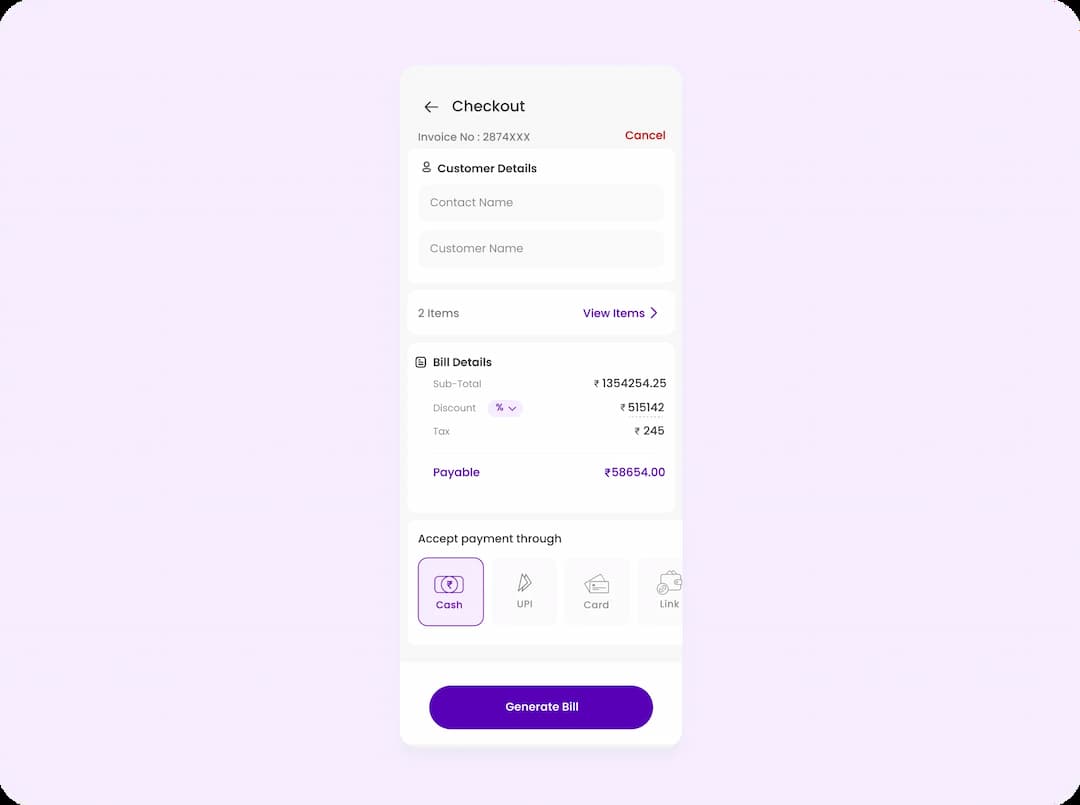
Checkout
Quick bills are a fast and efficient checkout process where you simply enter required details, add products, and generate invoices instantly. It reduces wait times and ensures smooth, accurate transactions for retail businesses.
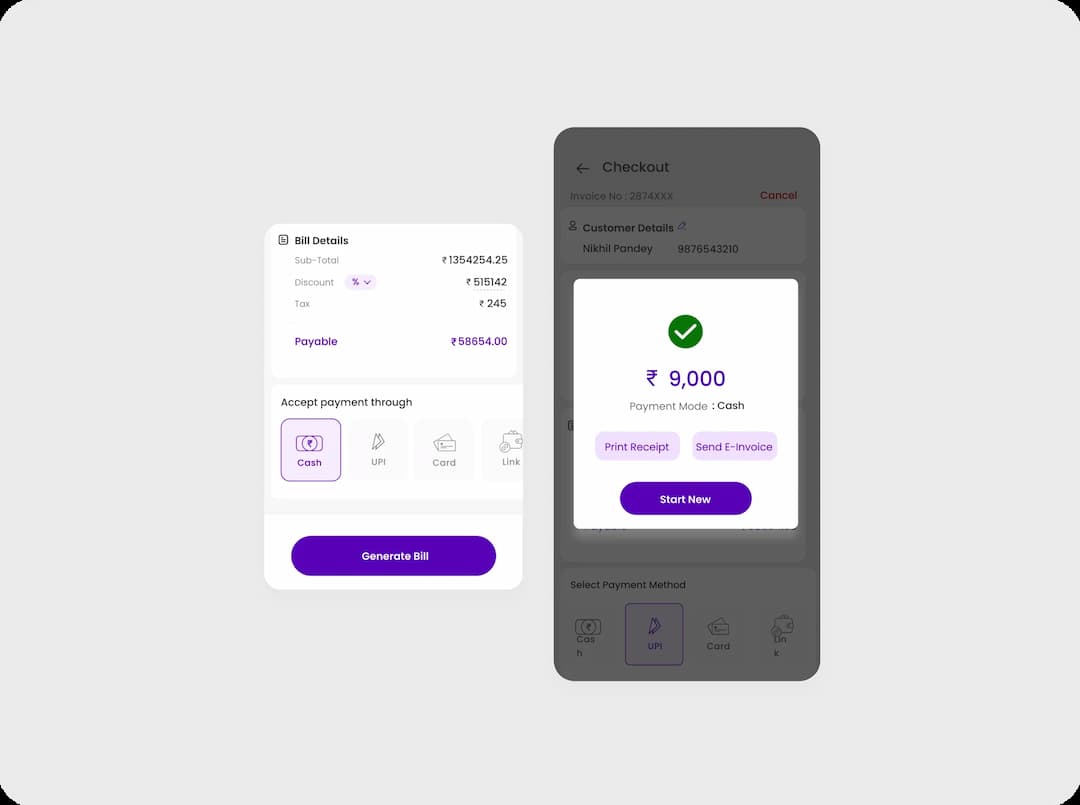
Faster Payment
Make payments quick and easy with our simple payment system. It speeds up the checkout process, making shopping smooth and hassle-free, ensuring a fast and convenient payment experience for every customer.
Create Invoices in Seconds
Manage sales and generate receipts effortlessly with our quick billing software.

Provide Cloud Backup Data

Send Bills Through WhatsApp
Support For Multiple Printers

Perform Multiple Task In Short Time

Safe And Secure Data
Frequently Asked Questions
Have any questions? We are here to assist you.
What is Quick Billing?
Quick Billing enables rapid bill creation, speeds up the checkout process, and supports multiple payment methods. It works without the need of inventory management.
How to Generate a Quick Bill?
To generate a quick bill, simply log in to your account, access the quick billing section, enter customer and payment details, and complete the checkout to generate the bill.
How to Remove Items from a Quick Bill?
Open the Shopaver app on your device and go to the quick billing tab. Enter the product or service name along with the unit and price. Add any applicable taxes and discounts. Then, enter the quantity and add the item to your cart. Proceed to checkout, enter the customer details, and generate the bill.
How to Use the Quick Billing System?
Open the Shopaver app on your device and go to the quick billing tab. Enter the product or service name along with the unit and price. Add any applicable taxes and discounts. Then, enter the quantity and add the item to your cart. Proceed to checkout, enter the customer details, and generate the bill.
What are the Benefits of Quick Billing?
Quick Billing software offers several advantages. It allows you to generate instant invoices, reduces billing time, supports multiple device compatibility, enables easy sharing of bills or invoices with customers, and simplifies payment collection through various modes.